Best Momentary Push Button Types for Your Projects?
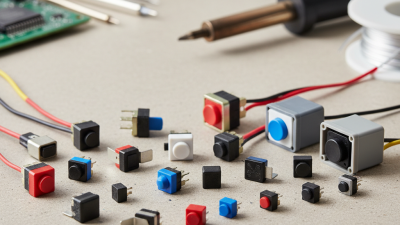
In the world of electronics, choosing the right components is crucial. One often overlooked yet essential component is the Momentary Push Button. These buttons play a vital role in various projects, from DIY gadgets to complex machinery. Their unique functionality allows for a temporary action, bringing versatility to your designs.
A Momentary Push Button can serve different purposes. It can act as a switch for powering devices on and off. Alternatively, it can be used to trigger a specific function. Understanding the types available is essential for optimal performance. Each type has its characteristics, making it suitable for specific applications.
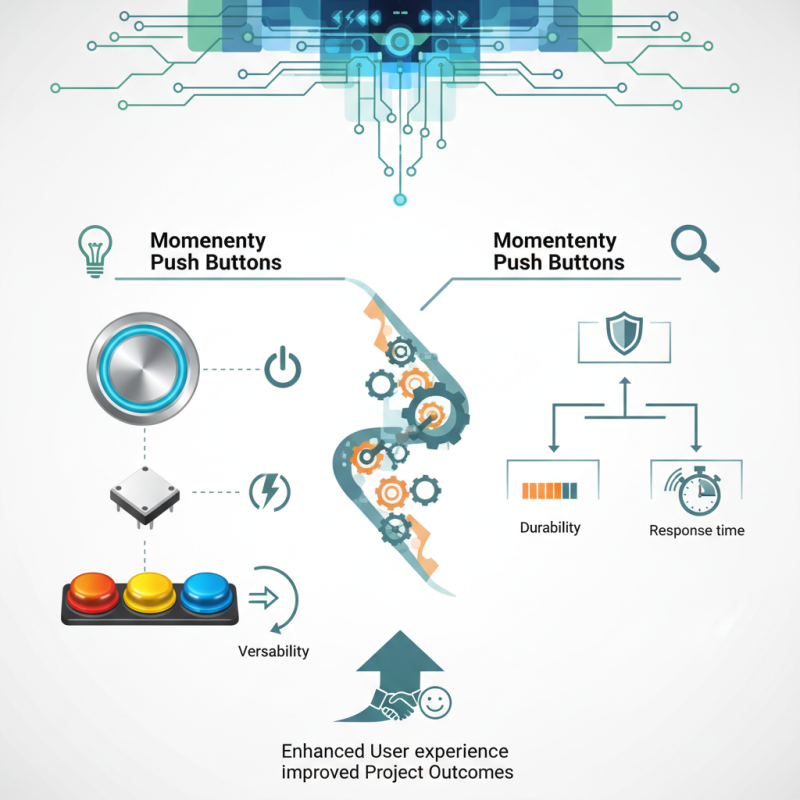
Making a choice can be challenging. With various styles, sizes, and functionalities, it's easy to feel overwhelmed. Reflecting on the project requirements can help narrow down options. Assessing factors like durability and response time is vital. Ultimately, choosing the right Momentary Push Button can lead to enhanced user experience and improved project outcomes.
Types of Momentary Push Buttons: An Overview
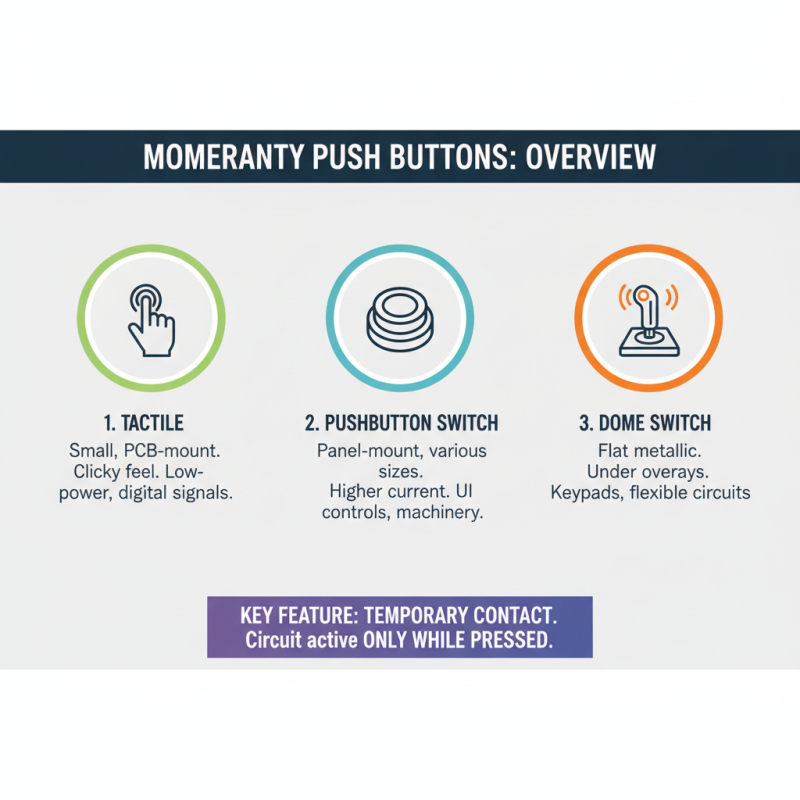
Momentary push buttons are essential components in many electronics projects. They provide a temporary action, activating a circuit only while pressed. This feature makes them ideal for applications like reset switches and alarms. Understanding the types of momentary push buttons can greatly impact your design choices.
There are typically two main types: normally open (NO) and normally closed (NC). NO buttons complete the circuit when pressed, while NC buttons break the circuit. Each type serves different purposes. The NO type might require more careful planning. It’s crucial to consider their placement and functionality. Sometimes, the wrong choice leads to unexpected circuit behavior.
Beyond the basic types, variations exist, such as tactile, metallic, and membrane buttons. Tactile buttons provide tactile feedback, which enhances user experience. Membrane buttons offer a sleek design and are often more durable. However, these come with a trade-off on user feel. Reflecting on these aspects is vital. Choosing the right momentary push button involves evaluating the specific needs of your project. Aim for a balance between function and user interaction to create a successful design.
Key Features to Consider When Choosing Push Button Switches
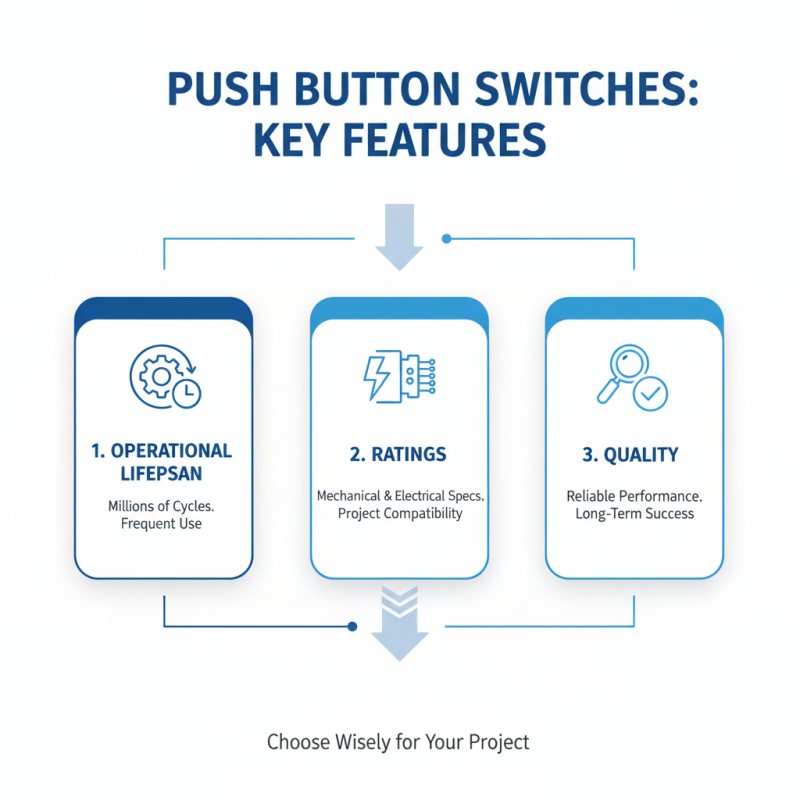
When selecting momentary push button switches, key features can significantly impact your project's success. The switch's operational lifespan is crucial. Studies show that high-quality switches can withstand millions of cycles, making them ideal for frequent use. Look for specifications that detail both mechanical and electrical ratings. This data helps you ensure the switch meets your application’s needs.
The tactile feel of a push button is also vital. Reports indicate that users respond better to buttons with a distinct tactile feedback. This feedback is essential for minimizing errors in high-pressure environments. Furthermore, consider the size and mounting style of the switch. Compact designs often allow for versatility in device layouts, while larger buttons are more user-friendly for specific applications.
Don't overlook environmental factors. Some switches are designed for harsh conditions, offering water and dust resistance. Choosing a push button with proper ratings, like IP67 or higher, helps to guarantee functionality in adverse environments. However, remember that over-specifying may lead to increased costs. Balancing durability with budget constraints is a common challenge in product design.
Applications of Momentary Push Buttons in Various Projects
Momentary push buttons find extensive applications across various industries. In consumer electronics, these buttons trigger functions with a simple press. They are frequently used in remote controls, keyboards, and home appliances. A recent industry report highlighted that 45% of electronic devices integrate momentary push buttons for user interaction. This easy access boosts user experience significantly.
In industrial settings, momentary push buttons are crucial for machine control. Operators rely on them for safety and efficiency. According to industry studies, around 30% of production downtime is linked to user errors. Using well-placed push buttons can reduce this risk. Regular maintenance and ergonomic design are vital to ensure reliability in operation.
Despite their advantages, challenges remain. Not all designs cater to diverse environments. Some fail under extreme temperatures or harsh conditions. Customization may be necessary for specialized applications. Understanding the limits of momentary push buttons can lead to better project outcomes. Having accurate data on their performance helps engineers make informed choices.
Comparative Analysis of Mechanical vs. Electronic Push Buttons
When choosing between mechanical and electronic push buttons, understanding their key differences is crucial. Mechanical push buttons are physically activated, providing tactile feedback. This is ideal for high-traffic environments where the user prefers a clear response. In contrast, electronic push buttons use sensors for activation. They offer a modern feel and can often withstand harsher conditions.
According to industry reports, mechanical buttons have a lifespan of about 1 million presses. In contrast, electronic options may have longer operational lifespans due to fewer moving parts. However, electronic models can be sensitive to environmental factors. They may fail in extreme temperatures or humidity. This trade-off requires careful consideration based on project needs.
Tips: Opt for mechanical buttons in applications requiring reliability and feedback. Choose electronic buttons when space and aesthetics are priorities. For optimal performance, regularly assess your installation for wear and environmental impact. Balancing these factors can lead to successful project outcomes.
Best Practices for Installing and Wiring Momentary Push Buttons
When working with momentary push buttons, proper installation and wiring are crucial for your project's success. Begin by choosing the right type for your application, whether it's a momentary normally open (NO) or momentary normally closed (NC) button. Each serves different purposes and can impact circuit functionality. Make sure to understand the specifications of the button you select.
Proper wiring is essential to ensure reliable performance. Use color-coded wires to avoid confusion during installation. It is wise to refer to the button's datasheet for pin configuration. Connecting the button to a circuit can seem simple, yet a mistake could lead to device malfunction. Test the connections carefully before finalizing.
Tips: Always double-check your wire connections. A small error can cause significant issues. Consider using a multimeter to verify that your installation works as expected. Don’t rush through the process; taking your time can prevent many headaches later on. If your circuit is not functioning properly, revisit each connection step.
Best Momentary Push Button Types for Your Projects
| Button Type |
Material |
Rating (Amps) |
Operating Voltage (V) |
Typical Applications |
| Tactile Switch |
Plastic |
0.5 |
12 |
Consumer Electronics |
| Dome Switch |
Silicone |
1 |
24 |
Keyboards, Remote Controls |
| Push Button Switch |
Metal |
10 |
110 |
Industrial Equipment |
| Snap Action Switch |
Plastic/Metal |
5 |
24 |
Home Appliances |
| Momentary Toggle Switch |
Plastic |
3 |
12 |
Lighting Control |